New
Agent mode: Nest now tests and fixes its own code
Say the idea.
Nest builds the app.
Nest is an AI agent that plans, codes, tests and ships full-stack apps from a conversation. Describe what you need, watch it come together, and publish when it feels right.
Founders and teams at 40,000+ companies build with Nest









How it works
From a sentence to a live app
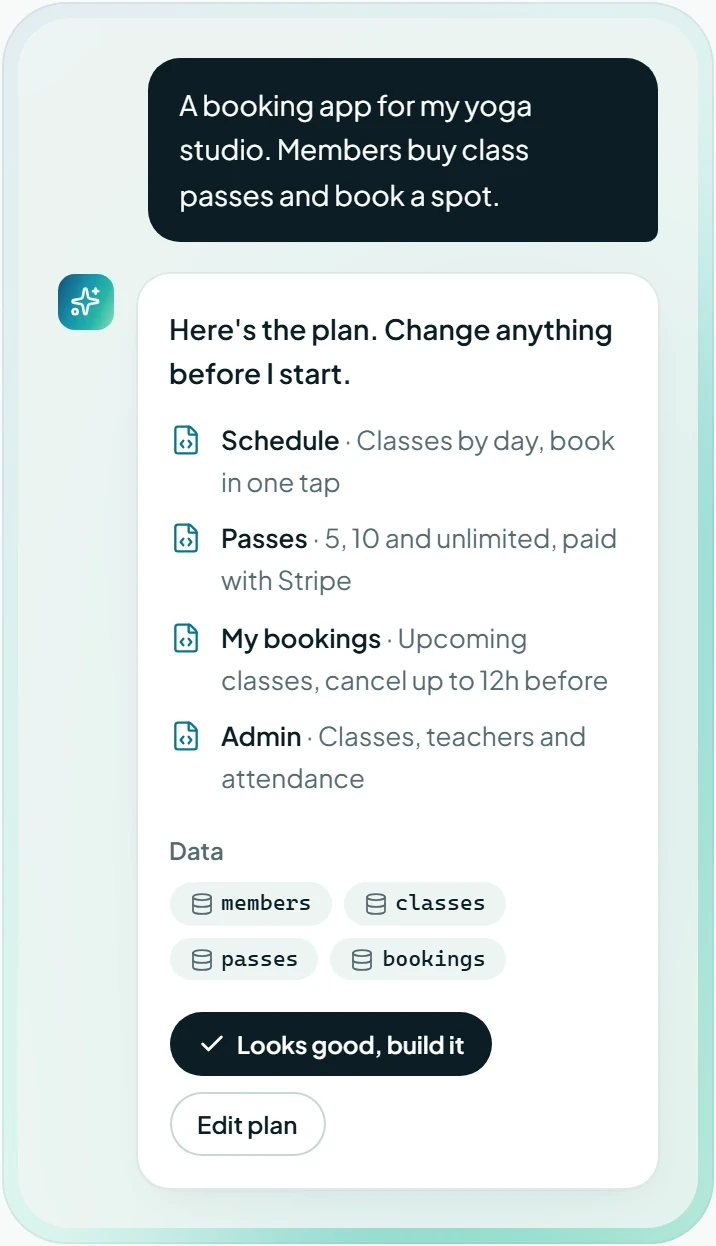
Explain the app the way you’d explain it to a friend. Nest asks what it needs to know, builds it in front of you and puts it online.

Everything built in
All the parts of a real app, none of the setup
Frontend, backend, logins and payments come together in one conversation. No boilerplate, no glue code, no surprises at launch.
Click anything, change anything
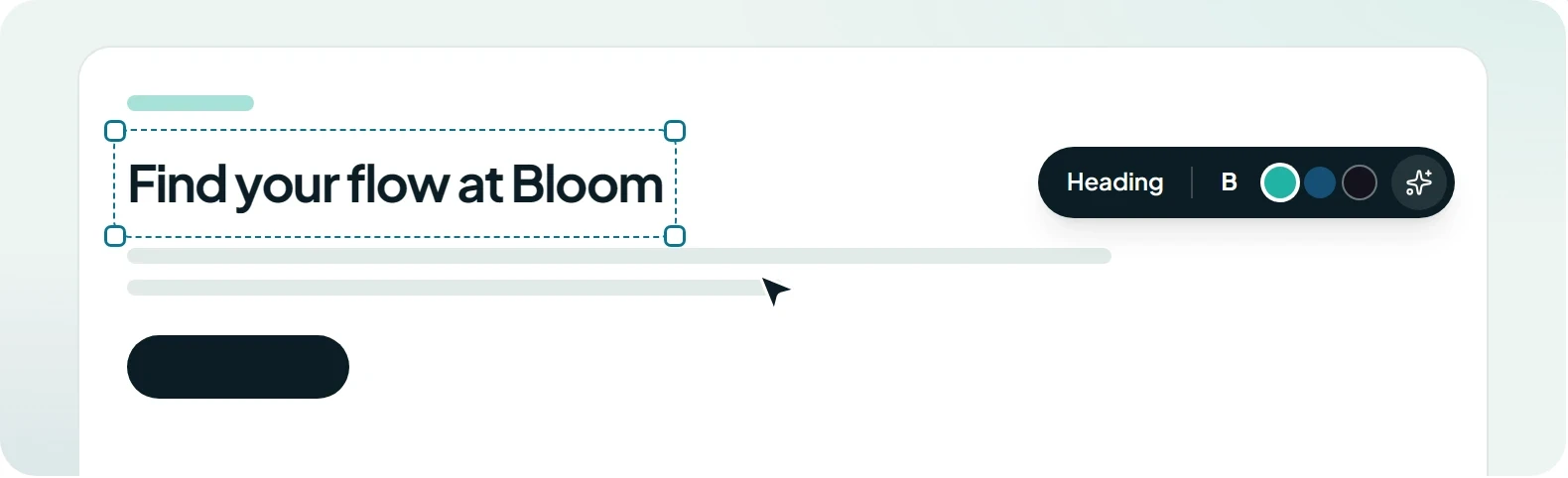
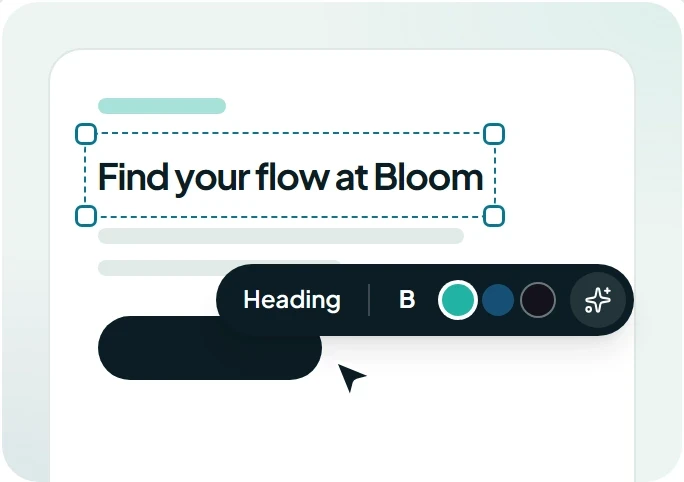
Select a heading, a button or a whole section and edit it directly, or tell Nest what to change. No prompt needed for small tweaks.
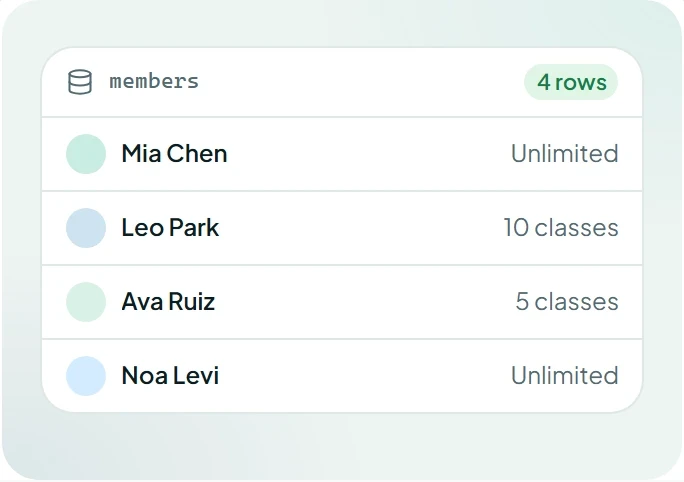
A real database, set up for you
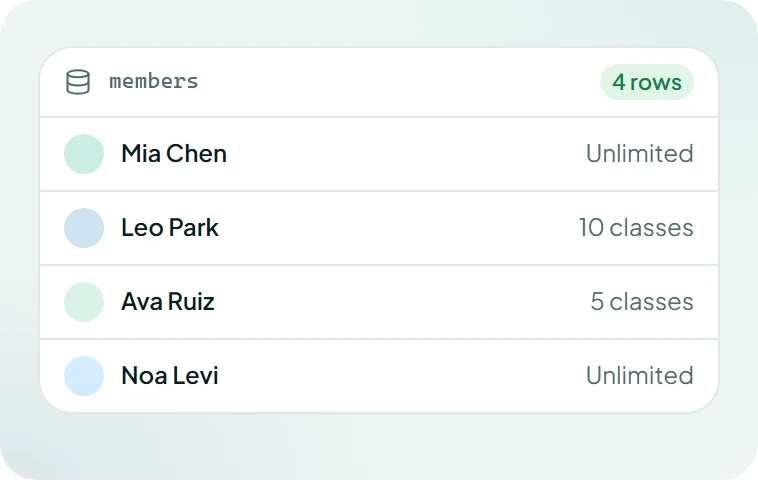
Tables, relations and file storage appear as you describe the app. Browse and edit the data any time.
Logins and roles
Email, Google or magic links, with roles you describe in plain words.
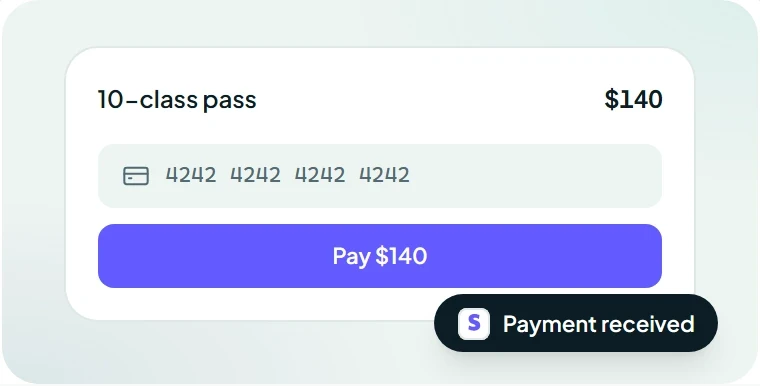
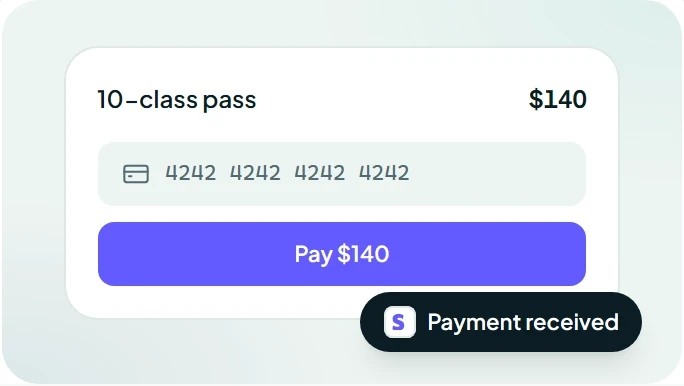
Payments that just work
One-off sales, subscriptions and passes through your own Stripe account.


Right on every screen
Layouts adapt to phones, tablets and desktops without asking twice.
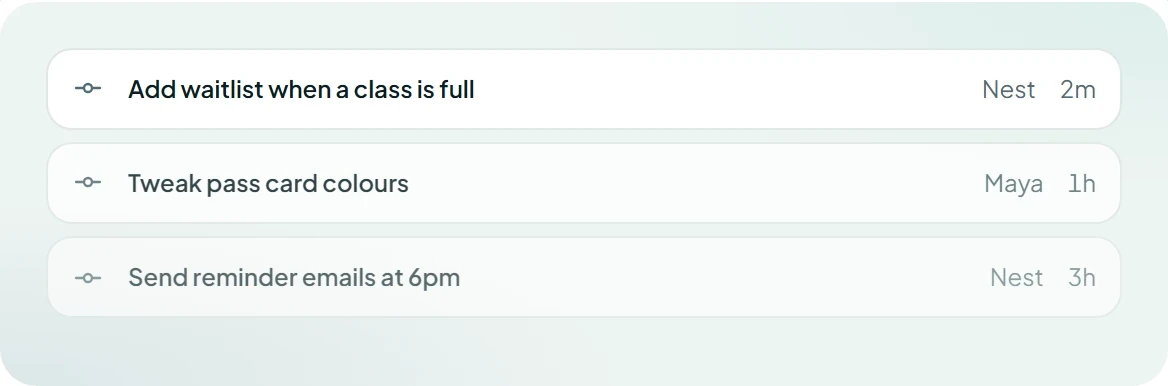
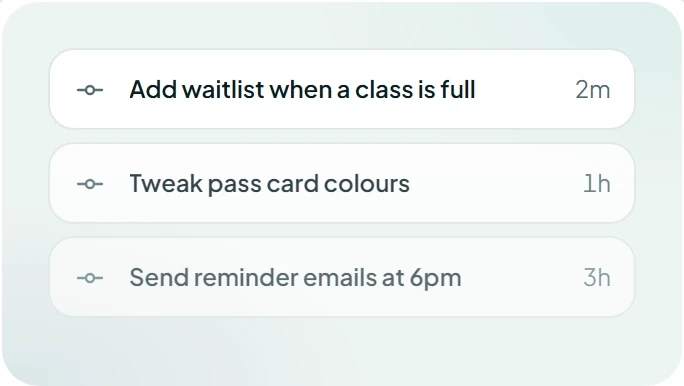
Two-way GitHub sync
Every change is a commit in your repository. Developers can work in their editor while the rest of the team keeps chatting.
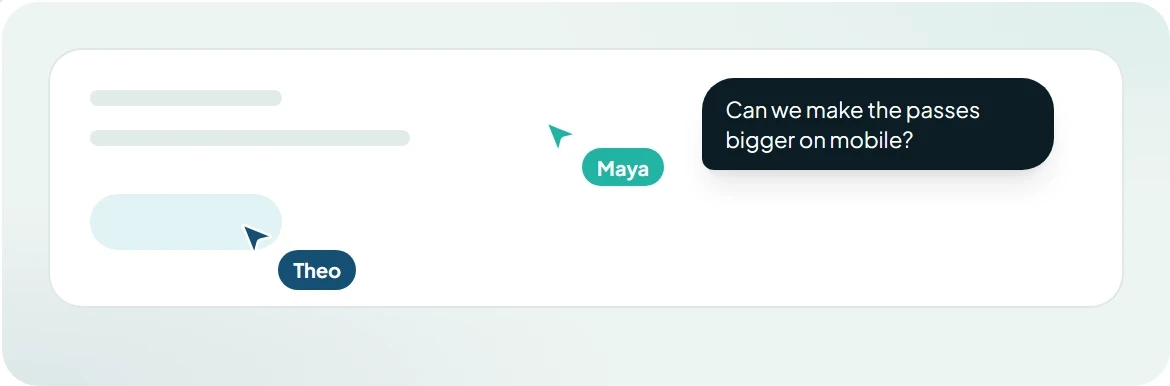
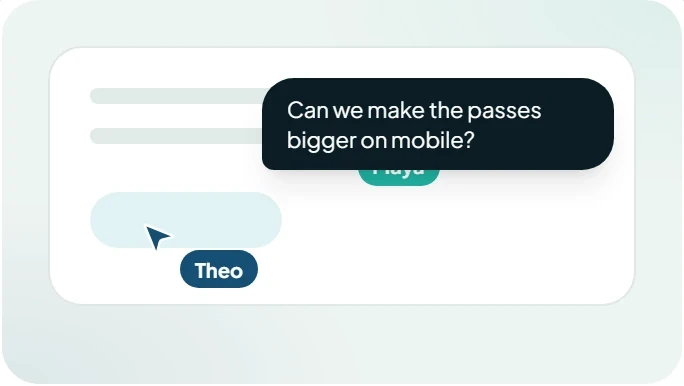
Build together
Invite your team to edit, comment and review. Everyone sees changes as they happen.
Agent mode
An agent that finishes the job, not autocomplete
Give Nest a goal and it works through it step by step. It plans before it codes, runs your app to check its work, and fixes what breaks before you see it.
Plans first
Every build starts with a plan you can read and change before a line of code is written.
Tests its own work
Nest clicks through your app in a real browser and fixes errors it finds along the way.
Asks when it matters
Unsure about a price, a permission or a design choice? It asks instead of guessing.
Agent mode
“Add a waitlist when a class is full”
Working
Read the request and the current code
Planned 4 changes across 6 files
Added a waitlist table and a join button
Clicking through the app in a browser
Publish a preview for review
Found an issue while testing
The join button submits twice on slow connections.
- <button onClick={join}>
+ <button onClick={join} disabled={sending}>
✓ Fixed and re-tested
Use cases
Built for people with more ideas than engineers
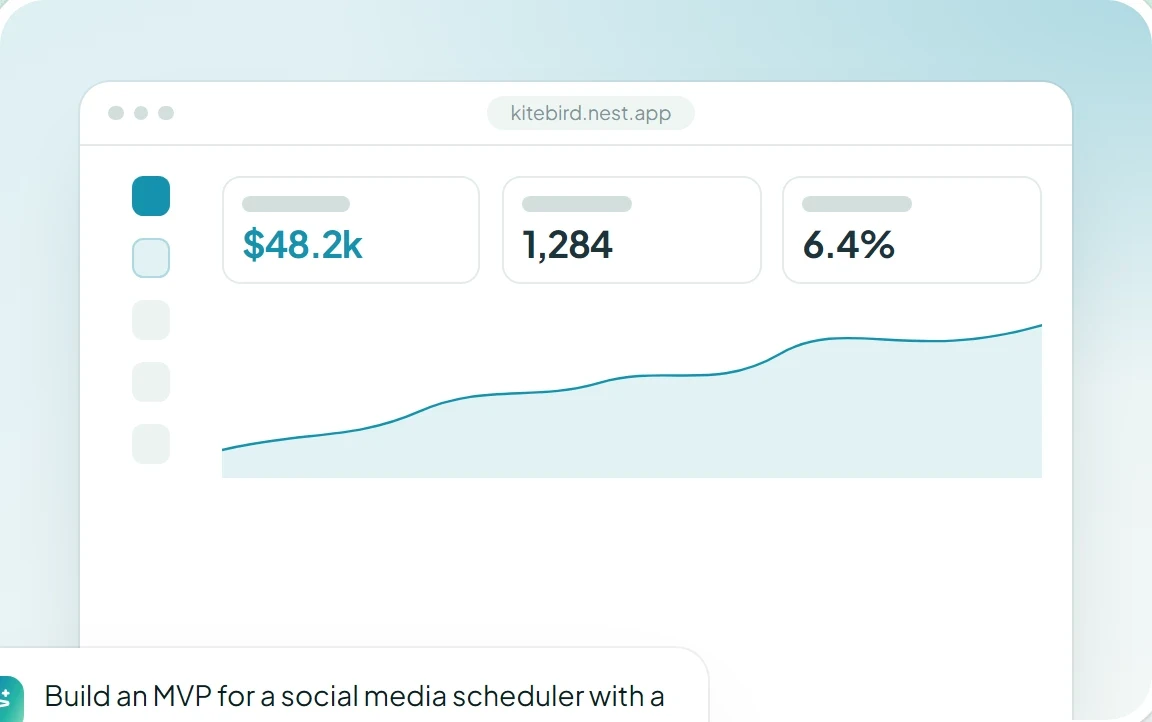
14 min
median time from first prompt to live
40k+
companies with a team on Nest
4.9/5
average rating from builders
Made with Nest
Start from an app that already works
Remix a template, then ask Nest to make it yours.


Loved by builders
People ship things they never thought they could










Integrations
Plugs into the tools you already use
Ask for payments, email or AI and Nest wires up the service for you, keys and all.

Stripe

Supabase

GitHub

Figma

Slack

Anthropic

Resend

Notion

Google Sheets

Airtable

Shopify

Twilio

PostHog

Sentry

Discord

HubSpot
Ownership and security
Your code. Your data. Your call.
Everything Nest builds belongs to you, runs on infrastructure your security team will approve, and can leave with you at any time.
SOC 2 Type II
GDPR
ISO 27001
Sync to GitHub
Every change is a commit in your own repository. Edit in Nest or your editor; both stay in sync.
Export any time
Download a standard TypeScript project and host it wherever you like. No lock-in.
Secrets stay secret
API keys live in an encrypted vault and never appear in the code or the chat.
Roles and SSO
Decide who can build, review or publish. Sign in with Google, Okta or Entra ID.
Private by default
Your prompts and code are never used to train models, ours or anyone else’s.
Versions and rollback
Every message makes a version. Compare any two and restore in one click.
Do I need to know how to code?
What kind of apps can Nest build?
Who owns what Nest builds?
Is my data used to train AI models?
What happens when something breaks?
From the blog